Scripture Detector
About
An AI-powered tool for detecting, classifying, and analyzing biblical quotations, paraphrases, and allusions in historical texts — powered by Google Gemini.
Scripture Detector is an AI-powered web application that analyzes historical and literary texts to find and classify all the ways biblical scripture appears within them. Given any piece of text, the application uses large language models to locate exact quotations, partial quotations, paraphrases, and allusions to specific Bible verses.
Each detected passage is linked to the exact verse(s) it references, displayed in context within the original document, and explored through interactive visualizations. The application is designed for scholars, students, and researchers working with texts that draw on the biblical tradition.
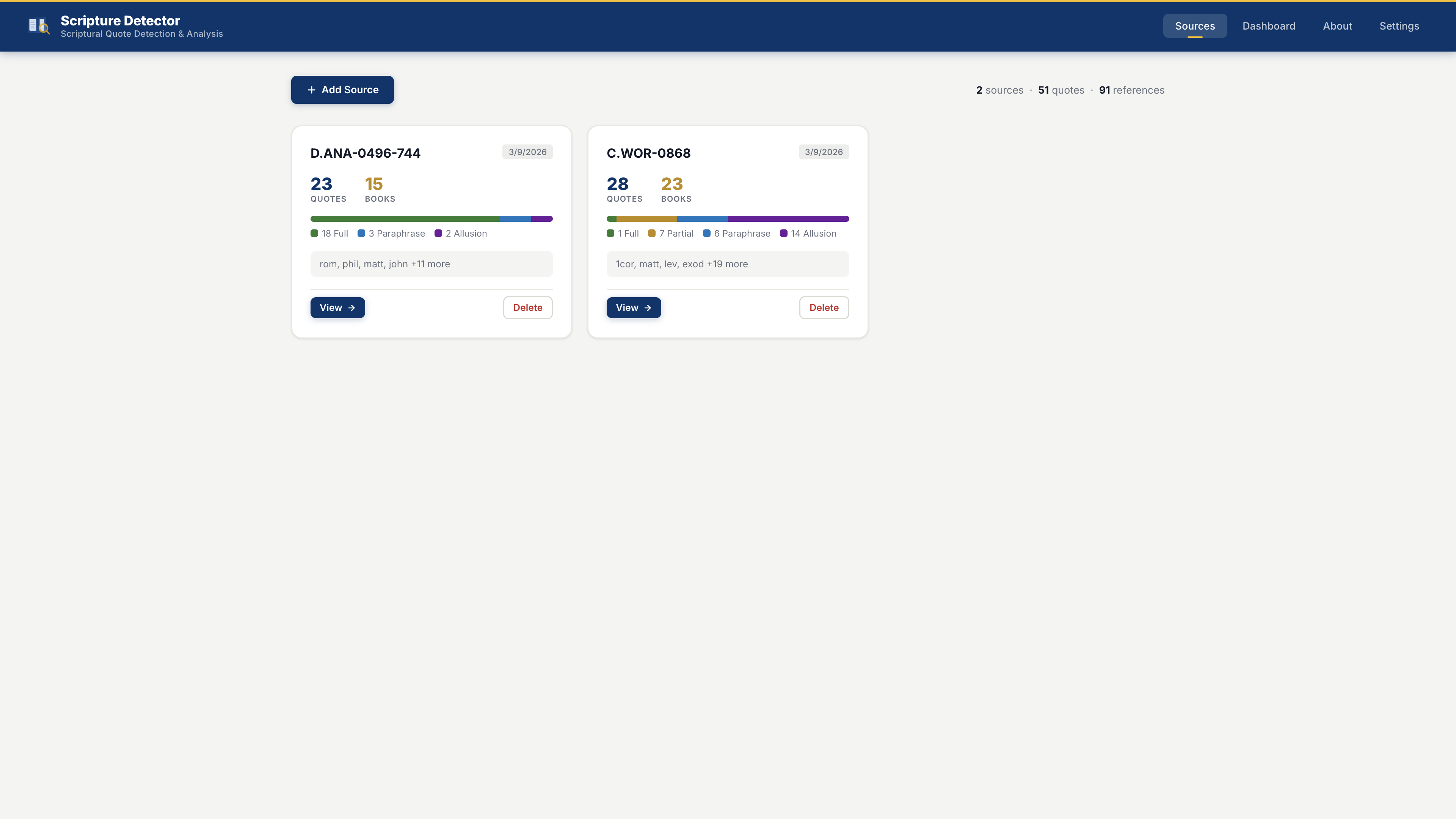
Paste any text you want to analyze — a sermon, a letter, a medieval chronicle, a theological treatise — into the Sources page. The text is stored locally in a SQLite database.
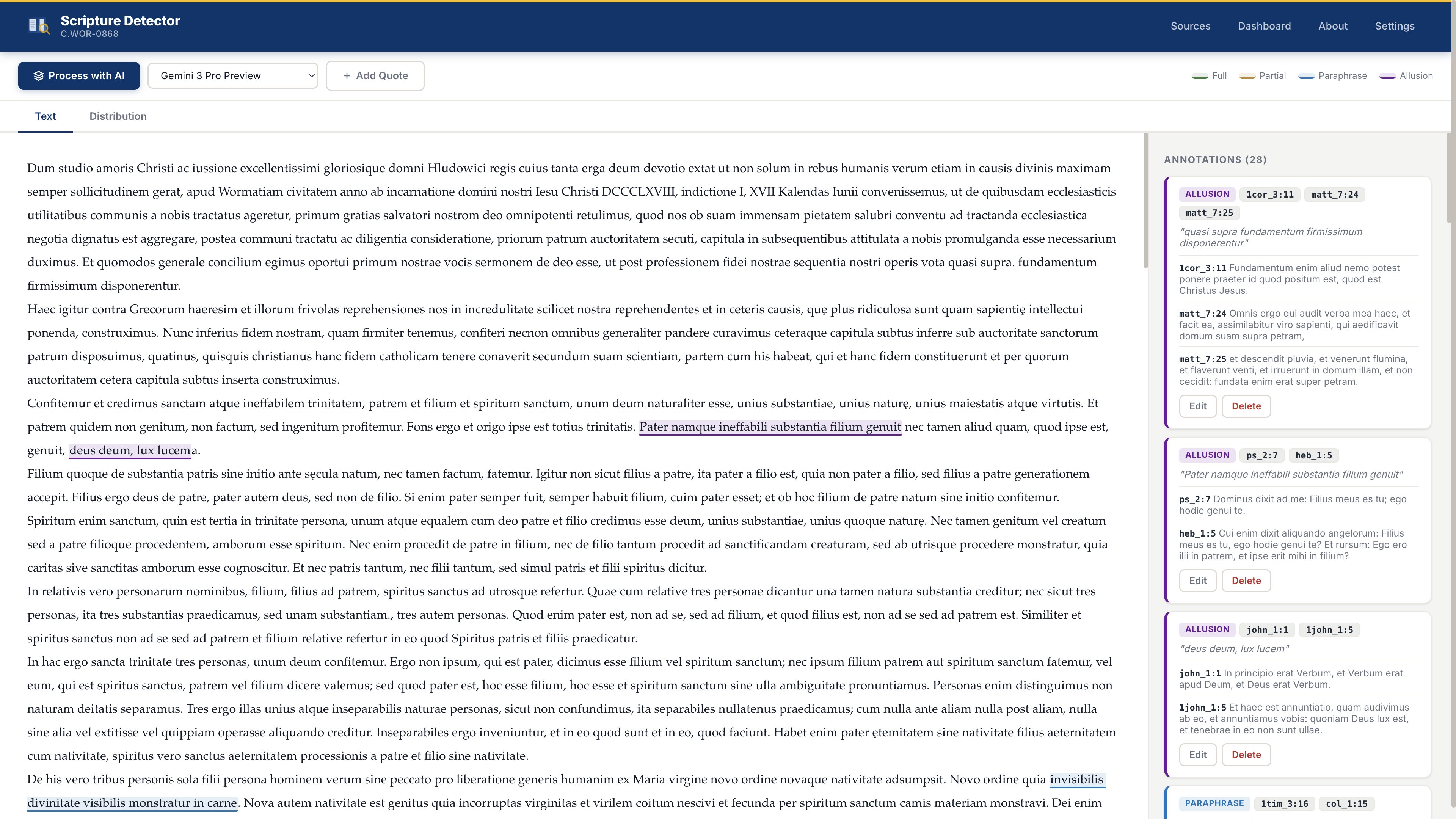
Click "Process with AI" to send the text to Google Gemini with a carefully engineered prompt. The model returns a structured JSON list of all detected scriptural passages, their verse references, and classification types. Only a free Gemini API key is required.
The app finds the exact character span of each detected quote within the original text, then stores annotations linking text spans to specific Bible verses using a full verse database.
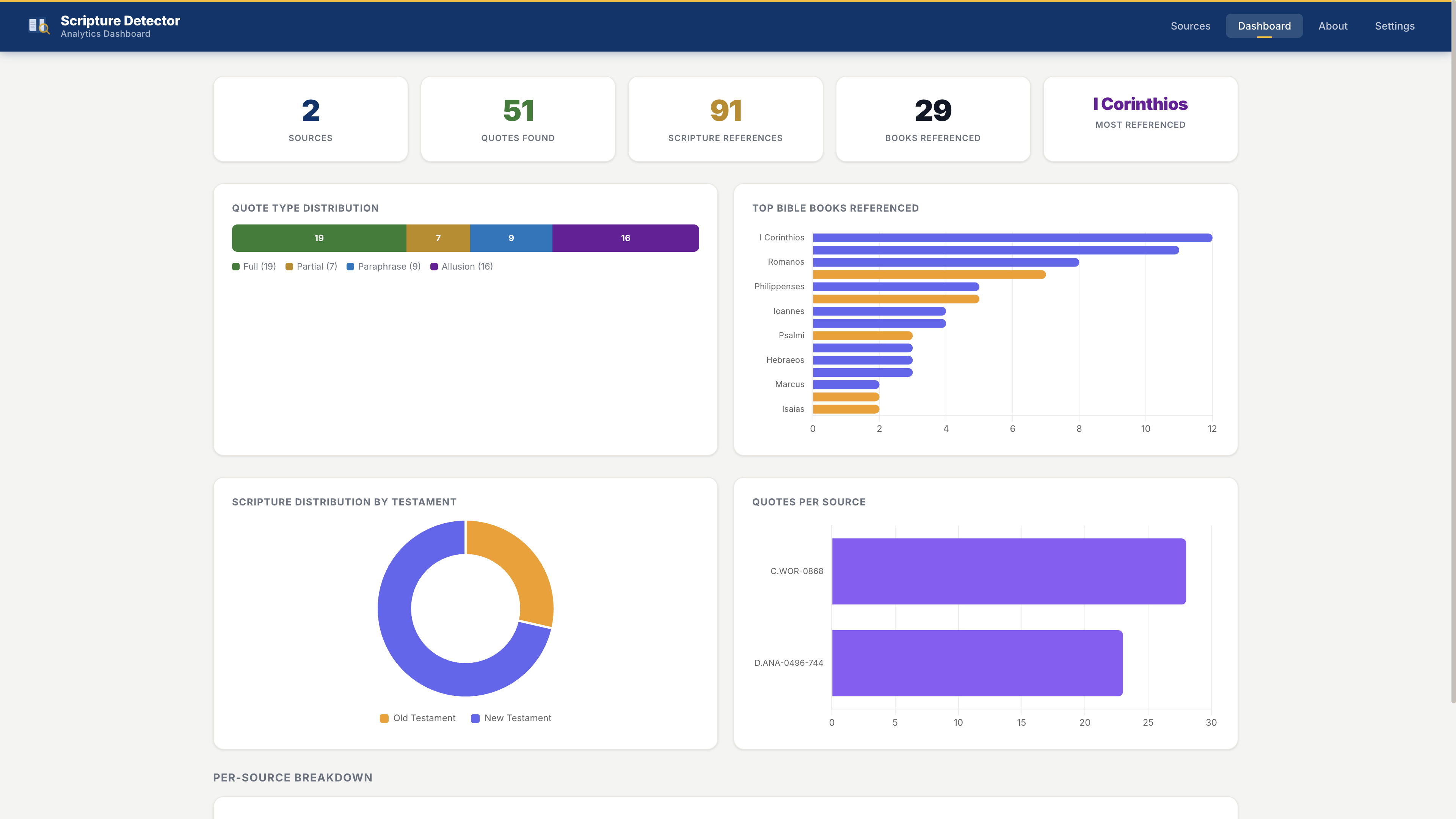
View color-coded highlights directly in the text, click any passage to see the verse references and original Bible text side-by-side, edit or add annotations manually, and explore distribution charts by Bible book, testament, and quote type.
The AI classifies each detected passage into one of four categories:
A complete or near-complete verse quoted verbatim from the Bible.
A recognizable portion of a verse, quoted with minor variation or truncation.
Biblical content clearly restated in different words while preserving the meaning.
A brief phrase, thematic echo, or indirect reference to a specific verse.
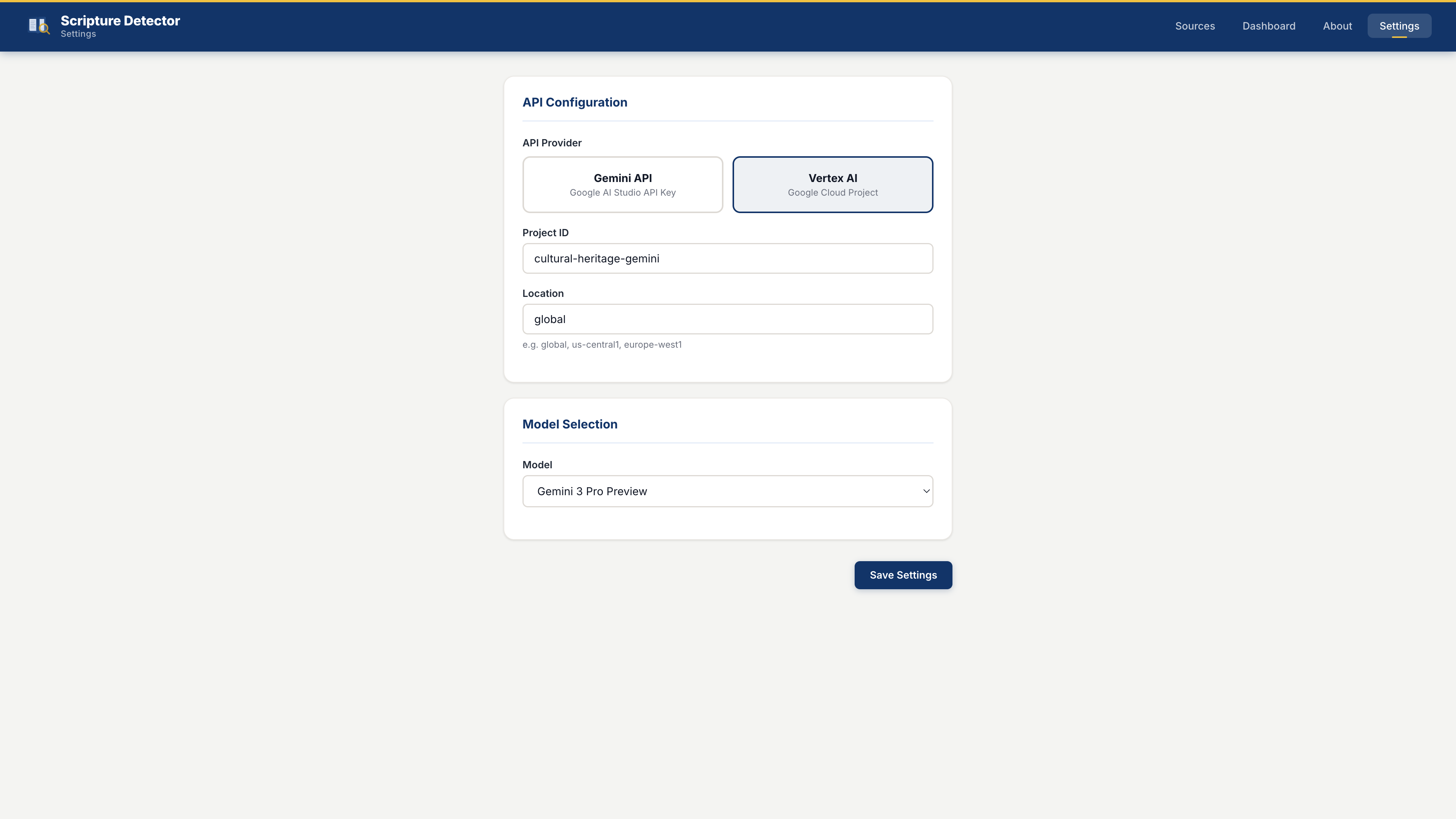
Only a free Gemini API key is required. Get yours at aistudio.google.com/apikey and enter it in the Settings page to start using the app immediately. No cloud account, credit card, or additional setup is needed.
The Sources page includes a powerful multi-layered search system that lets you find sources by their text content, the Bible books they reference, specific chapters, or individual verses — all updating in real time as you type.
Full-text search across all source documents. Matching passages are highlighted in context with the search term shown inline.
Find all sources that contain any reference to a chosen Bible book, using a searchable dropdown of all 73 books.
Narrow results to sources referencing a specific chapter (e.g. Psalms 23) using cascading book → chapter selectors.
Pinpoint sources that reference a specific verse (e.g. John 3:16) using book → chapter → verse number selectors.
Stacked filters with AND / OR logic — click Advanced to open the filter builder and stack any number of filters. Toggle between AND (source must match all filters) and OR (source must match any filter). Active filters are summarized as removable chips below the search bar. Match evidence appears directly on each source card, showing the exact text snippet or the matched verse and quote.